Sony
Sign in
  • Account Information
  • Orders
  • My Sony Rewards
  • Register A New Product
  • My Sony Care
  • My Sony Studio

Search History

Products

Support

      • TVs
      • Home Theater & Soundbars
      • Blu-ray Disc & DVD Players
      • Projectors
      • Headphones
      • Portable Audio Player
      • High-Resolution Audio
      • Wireless Speakers
      • 360 Reality Audio
      • Audio Systems
      • Audio Components & Turntables
      • Digital Voice Recorders
      • Boomboxes, Radios & Portable CD Players
      • Home Theater & Sound Bars
      • Microphones
      • Gaming Gears
      • Interchangeable-lens Cameras
      • Lenses
      • Compact Cameras
      • Vlog Cameras
      • Handycam® Camcorders
      • Action Cam
      • Camera Accessories
    • Cloud Service
      • Cloud Service
      • Smartphones
      • Car Audio
      • Memory Cards, Storage & Cables
      • REON Pocket
    • All Products
      • All Products
  • Store
  • PlayStation
  • Professional
  • Support
    • Sony Group Site
      • Sony Group Site
    • Sony Design
      • Sony Design
    • PlayStation
      • PlayStation
    • Sustainability
      • Sustainability
    • Environment
      • Environment
    • Accesibility
      • Accesibility
    • Diversity, Equity & Inclusion
      • Diversity, Equity & Inclusion
    • Social Contribution
      • Social Contribution
    • Sony Pictures
      • Sony Pictures
    • Sony Music
      • Sony Music

Sony SupportA-Mount Body

SLT-A30 Series

    Where is the model name located on my product
    AllFirmware / SoftwareManualsQuestions & Answers

    Recommended Articles

    Sony Interactive Connectivity Guide
    Find what you are looking for...manuals, firmware, drivers, specifications and more
    Camera Troubleshooting Guide
    The memory card is not recognized by the camera and error message appears.
    How to transfer pictures or movies from the camera to a computer using USB connection
    Alpha Camera and lens maintenance tips
    What software can be used to edit RAW images taken with the camera?
    How to change the language in the settings of the camera.

    Models: 8

    • Popularity
    • Alphabetical (A to Z)
    • Alphabetical (Z to A)
    • SLT-A35
      Firmware / SoftwareManualsQuestions & Answers
    • SLT-A35K
      Firmware / SoftwareManualsQuestions & Answers
    • SLT-A37K
      Firmware / SoftwareManualsQuestions & Answers
    • SLT-A35Y
      Firmware / SoftwareManualsQuestions & Answers
    • SLT-A33L
      Firmware / SoftwareManualsQuestions & Answers
    • SLT-A33Y
      Firmware / SoftwareManualsQuestions & Answers
    • SLT-A37Y
      Firmware / SoftwareManualsQuestions & Answers
    • SLT-A33
      Firmware / SoftwareManualsQuestions & Answers

    Questions & Answers

    • What is the difference between sRGB and Adobe RGB?
    • The camera turns off by itself after I transfer images to the computer with the PlayMemories Home software.
    • [VIDEO] How to update the firmware of your Sony Alpha Cameras for Windows
    • Dirt will not come off the LCD screen.
    • The SteadyShot indicator blinks and an ERROR icon that looks like a hand appears.
    • Register your product

      Register your product information to enjoy after sales service

    • Terms & Condition

      Product warranty and service Information

    • Repair Service

      Online onsite service booking, Charging scheme, Repair status checking

    • Supplied Accessory Enquiry

      Order supplied accessory

    • Contact Us

      Hotline and service centre information

    • Register
    • Repair & Warranty

    Videos

    Open video player
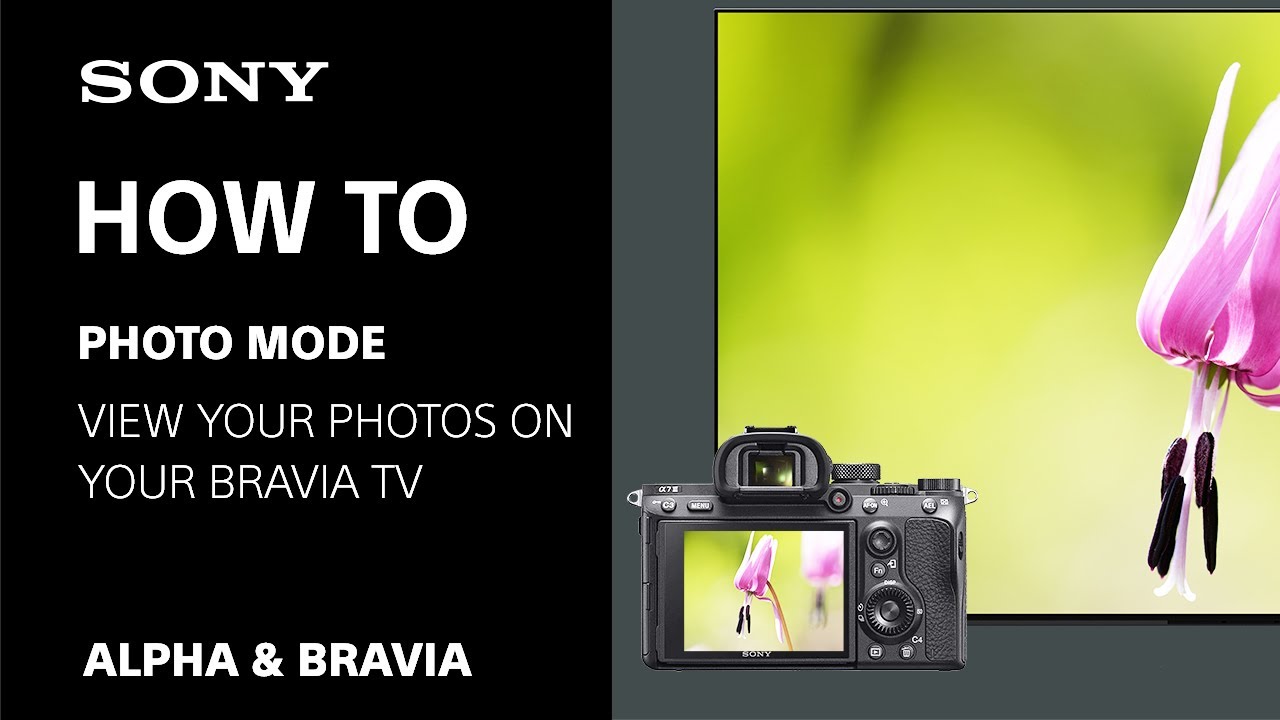
    [Video] Photo mode / Professional mode: Viewing or editing your photos on Sony's Google TV™ and Android TV™
    > Watch this video in the article

    Please accept Youtube cookies to watch this video

    Access your cookie preferences below and make sure to switch on the Youtube cookie under the 'Functional' section.

    {"Limit":1,"Offset":0,"TotalResults":5,"Locale":"en_US","Results":[{"Id":"1214776688","CID":"e0c043d2-cfbd-507d-8aa4-2faf16e6bcda","SourceClient":"sony-global","Badges":{"verifiedPurchaser":{"ContentType":"REVIEW","Id":"verifiedPurchaser","BadgeType":"Custom"}},"BadgesOrder":["verifiedPurchaser"],"LastModeratedTime":"2026-03-10T17:02:06.000+00:00","LastModificationTime":"2026-03-10T17:02:06.000+00:00","ProductId":"bc-zd1-q-ce7","OriginalProductName":"BC-ZD1//Q CE7","CampaignId":"BV_PIE_FOLLOWUP","AuthorId":"tgawa9j8mykor0pmzwyskb0io","ContentLocale":"th_TH","IsFeatured":false,"TotalInappropriateFeedbackCount":0,"TotalClientResponseCount":0,"TotalCommentCount":0,"Rating":5,"SecondaryRatingsOrder":["Design","EaseOfUse","Performance"],"IsRatingsOnly":false,"TotalFeedbackCount":0,"TotalNegativeFeedbackCount":0,"TotalPositiveFeedbackCount":0,"ModerationStatus":"APPROVED","SubmissionId":"r212872_13_17731350bjGelLsrnu","SubmissionTime":"2026-03-10T09:31:17.000+00:00","ReviewText":"it's work great if the package included wall charger would be nice.","Title":"work great","UserNickname":"Spoon1616","SecondaryRatings":{"Performance":{"Value":5,"Id":"Performance","ValueRange":5,"ValueLabel":null,"DisplayType":"NORMAL","MaxLabel":null,"Label":null,"MinLabel":null},"EaseOfUse":{"Value":4,"Id":"EaseOfUse","ValueRange":5,"ValueLabel":null,"DisplayType":"NORMAL","MaxLabel":null,"Label":null,"MinLabel":null},"Design":{"Value":5,"Id":"Design","ValueRange":5,"ValueLabel":null,"DisplayType":"NORMAL","MaxLabel":null,"Label":null,"MinLabel":null}},"AdditionalFields":{"DateOfUserExperience":{"Value":"2026-02-07 00:00:00","Id":"DateOfUserExperience"}},"AdditionalFieldsOrder":["DateOfUserExperience"],"UserLocation":null,"ClientResponses":[],"Videos":[],"Cons":null,"ContextDataValuesOrder":[],"Pros":null,"InappropriateFeedbackList":[],"Helpfulness":null,"CommentIds":[],"TagDimensions":{},"RatingRange":5,"ContextDataValues":{},"ProductRecommendationIds":[],"IsRecommended":null,"IsSyndicated":false,"TagDimensionsOrder":[],"Photos":[]}],"Includes":{},"HasErrors":false,"Errors":[]}