























Valid for
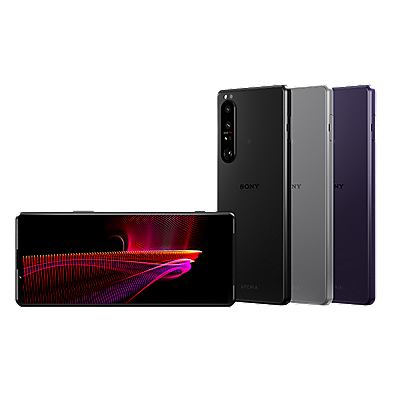
- Xperia devices (with LCD or OLED displays)
- Android 9.0 or higher
Solution
To adjust the white balance
- The steps will depend on your menu options:
- Find and tap Settings → Display → (Advance) → White balance.
- Find and tap Settings → Display → Image quality settings → White balance.
- If the colour looks yellowish or brown, drag the blue slider to the right.
- If the colour looks reddish, drag the blue and green sliders to the right.
Register your product
Register your product information to enjoy after sales service
Terms & Condition
Product warranty and service Information
Repair Service
Online onsite service booking, Charging scheme, Repair status checking
Supplied Accessory Enquiry
Order supplied accessory
Contact Us
Hotline and service centre information
Support by Sony (Mobile App)
Never miss an update again! Find information and receive instant notifications about your product

