























When using a multipoint connection, no sound is heard from the second connected device
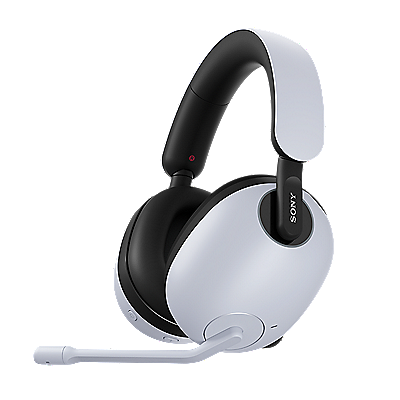
When using a multipoint connection (connecting the headset to 2 devices simultaneously) and you cannot hear audio from the second connected device, follow these steps:
- Open the Sony | Sound Connect app, select All device settings → Connection, and make sure the Connect to 2 devices simultaneously option is set to ON.
- Stop the playback on the first connected device.
- Close the audio (music) application on the first connected device.
Note: Depending on the device, silent streaming can continue on the first device when the second device is connected to the headset via Bluetooth. If this is the case, the headset remains connected to the first connected device, and the audio does not switch to the second device.
Register your product
Register your product information to enjoy after sales service
Terms & Condition
Product warranty and service Information
Repair Service
Online onsite service booking, Charging scheme, Repair status checking
Supplied Accessory Enquiry
Order supplied accessory
Contact Us
Hotline and service centre information
Support by Sony (Mobile App)
Never miss an update again! Find information and receive instant notifications about your product

