












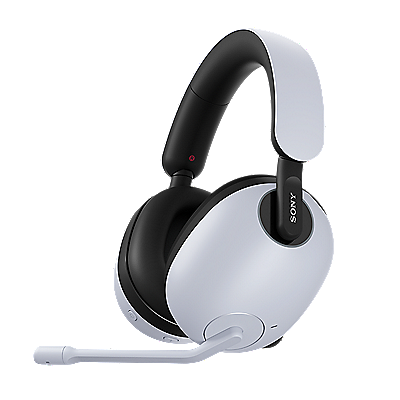











Over-ear headphones | Using Noise Canceling and Ambient Sound Mode
With Noise Canceling on, you can enjoy your music without worrying about background noise, even on a noisy train.
If you want to listen to music while still hearing some outside sounds, just adjust the ambient sound level to what feels right for you.
* The menu names and steps may vary depending on your device model or OS (operating system).
Enjoy the noise canceling effect optimized by the Adaptive NC Optimizer feature. This feature automatically fine-tunes the noise canceling performance based on your surroundings, how the headphones fit, and even air pressure. Also, the soft edge used in the specially designed driver unit boosts low-frequency sensitivity, helping reduce low-frequency noise more precisely.
Adjust the ambient sound level
After turning on Ambient Sound, you can adjust the ambient sound level to suit your preferences. Adjust the ambient sound level while checking how it actually sounds.
Follow the steps below to adjust the ambient sound level:
Open the Sony | Sound Connect app, and tap Ambient Sound Control → Ambient Sound.
-
Adjust the Ambient Sound level (level: 1 - 20).
* The higher the number, the higher the ambient sound pickup level.
Hint:
You can also use Auto Ambient Sound, which adjusts the ambient sound level automatically according to the surrounding noise.
In the Sony | Sound Connect app, you can turn Auto Ambient Sound on or off and adjust the sensitivity.
Register your product
Register your product information to enjoy after sales service
Terms & Condition
Product warranty and service Information
Repair Service
Online onsite service booking, Charging scheme, Repair status checking
Supplied Accessory Enquiry
Order supplied accessory
Contact Us
Hotline and service centre information
Support by Sony (Mobile App)
Never miss an update again! Find information and receive instant notifications about your product

