












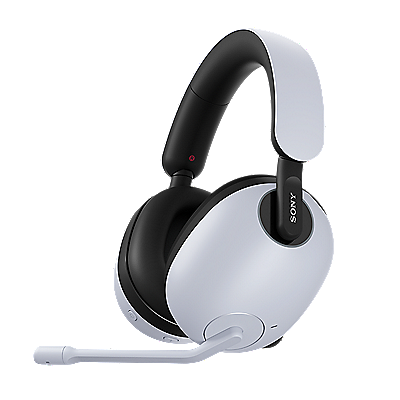











Over-ear headphones | Resolving issues with your headphones
If your headphones are not working as expected, a temporary issue may be the cause. Try the steps below in order.
Check our Support site in advance for the cause and solution of the issue.
-
Turn the headphones off, charge them, and then turn them back on.
Press and hold the power button for about 2 seconds or longer until the indicator turns off. After confirming that the headphones are off, turn them on again.
-
Restart the connected device, such as your computer or smartphone.
Note: For instructions on restarting the device, refer to the device manual.
-
Reset your headphones.
Resetting your headphones does not delete pairing information or other settings.
-
Initialize your headphones.
Note: Initializing restores the factory settings and deletes all pairing information. You will need to pair the headphones again.
For more information, see the Troubleshooting section of the Help Guide.
Register your product
Register your product information to enjoy after sales service
Terms & Condition
Product warranty and service Information
Repair Service
Online onsite service booking, Charging scheme, Repair status checking
Supplied Accessory Enquiry
Order supplied accessory
Contact Us
Hotline and service centre information
Support by Sony (Mobile App)
Never miss an update again! Find information and receive instant notifications about your product

